Background
On my rooted phone, I had an app called AdAway to prevent tracking. When I bought a new phone (not rooted), I had to find an alternative.
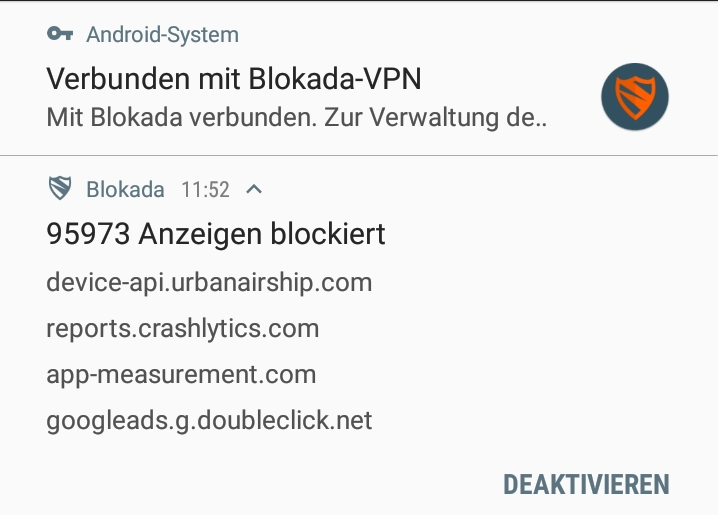
I found Blokada. Blokada creates a VPN interface locally on the device, through which the data packets are routed. Filters are then used to block unwanted connections to tracking and advertising sites.
Blokada
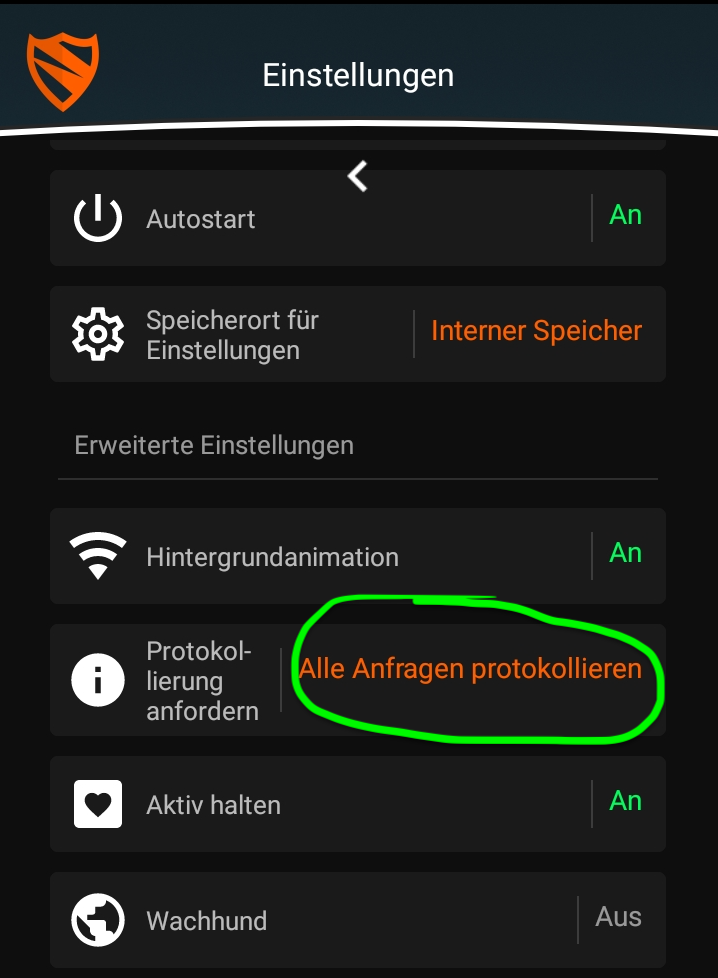
Blokada offers a setting “Log all requests”. It writes all HTTP requests to a CSV file. This CSV file can then be analyzed. I activated this setting.
Analysis of the CSV file
The CSV file contains all requests between 27.07.2019 and 27.11.2019 (exactly 4 months).
The structure is as follows:
- The first column is a timestamp.
- The second column is “a” or “b”. “a” stands for “accepted” (the request was not blocked). “b” stands for “blocked”.
- The third column is the host (the domain) to which the request was sent.
timestamp,type,host
1564235755477,b,reports.crashlytics.com
1564235764796,b,reports.crashlytics.com
1564235782487,b,device-api.urbanairship.com
...
First, we count all entries:
> cat requests.csv | wc -l
168187
Now we filter out the entries that were actually blocked and write them to a new file and count the blocked requests:
> cat requests.csv | grep ",b," > requests_blocked.csv
> cat requests_blocked.csv | wc -l
104384
With the following command, we cut off the first 16 characters of each line. This removes the first two columns, leaving only the host.
> cat requests_blocked.csv | cut -c 17- > requests_blocked_hosts.csvThis is what the result looks like:
reports.crashlytics.com
reports.crashlytics.com
device-api.urbanairship.com
...
With the following command, I can determine the hosts that were most frequently requested (and rejected) and sort them accordingly:
> cat requests_blocked_hosts.csv | sort | uniq -c | sort -nrThe result (only entries that appear 50 times or more):
15565 semanticlocation-pa.googleapis.com
12785 mobile.pipe.aria.microsoft.com
9715 graph.facebook.com
8063 reports.crashlytics.com
7249 nashira.iad-06.braze.com
6646 app-measurement.com
5871 profile.localytics.com
4645 device-api.urbanairship.com
4230 ads.mopub.com
3937 mobilecrashreporting.googleapis.com
3795 googleads.g.doubleclick.net
2867 settings.crashlytics.com
2332 de.ioam.de
1919 secure-eu.imrworldwide.com
1836 ads.nexage.com
1512 z.moatads.com
1415 geomobileservices-pa.googleapis.com
1343 e.crashlytics.com
1198 analytics.localytics.com
1169 combine.urbanairship.com
 936 cdn.taboola.com
 436 ssl.google-analytics.com
 423 www.googleadservices.com
 324 appload.ingest.crittercism.com
 306 logs1413.xiti.com
 279 mads.amazon-adsystem.com
 276 arcus-uswest.amazon.com
 255 b.scorecardresearch.com
 246 upratihun.fra-01.braze.eu
 245 udm.scorecardresearch.com
 221 api.branch.io
 207 app.adjust.com
 188 config.samqaicongen.com
 165 manifest.localytics.com
 165 analytics.ext.go-tellm.com
 153 nexusrules.officeapps.live.com
 143 www.google-analytics.com
 132 service.game-mode.net
  93 api.segment.io
  74 msh.amazon.co.uk
  66 api.oneaudience.com
  58 countess.twitch.tv
  55 t.appsflyer.com
  54 cdn-settings.segment.com
  54 api.mixpanel.com
  53 nexus.officeapps.live.com
crashlytics.com appears multiple times (12,273 times in total)
localytics.com also appears multiple times (7,234 times in total)
Preventing data collection
On Android:
On Android, it is recommended to use Blokada (works on rooted and non-rooted phones).
FritzBox:
If a FritzBox is used, a blacklist containing URLs that can no longer be accessed can be created under Internet->Filter->Lists->Blocked websites (Blacklist).
Based on an “Easy List” on the topic of privacy, I created the following blacklist that can be used for the FritzBox:
graph.facebook.com
app-measurement.com
ads.mopub.com
doubleclick.net
ssl.google-analytics.com
adjust.io
airbrake.io
appboy.com
appsflyer.com
apsalar.com
bango.combango.org
bango.net
basic-check.disconnect.me
bkrtx.com
bluekai.com
bugsense.com
burstly.com
chartboost.com
count.ly
crashlytics.com
crittercism.com
custom-blacklisted-tracking-example.com
do-not-tracker.org
eviltracker.net
flurry.com
getexceptional.com
inmobi.com
jumptap.com
localytics.com
mixpanel.com
mobile-collector.newrelic.com
mobileapptracking.com
playtomic.com
stathat.com
supercell.net
tapjoy.com
trackersimulator.org
usergrid.com
vungle.com